I’m Handy Baile, just a guy making random computer related stuff…
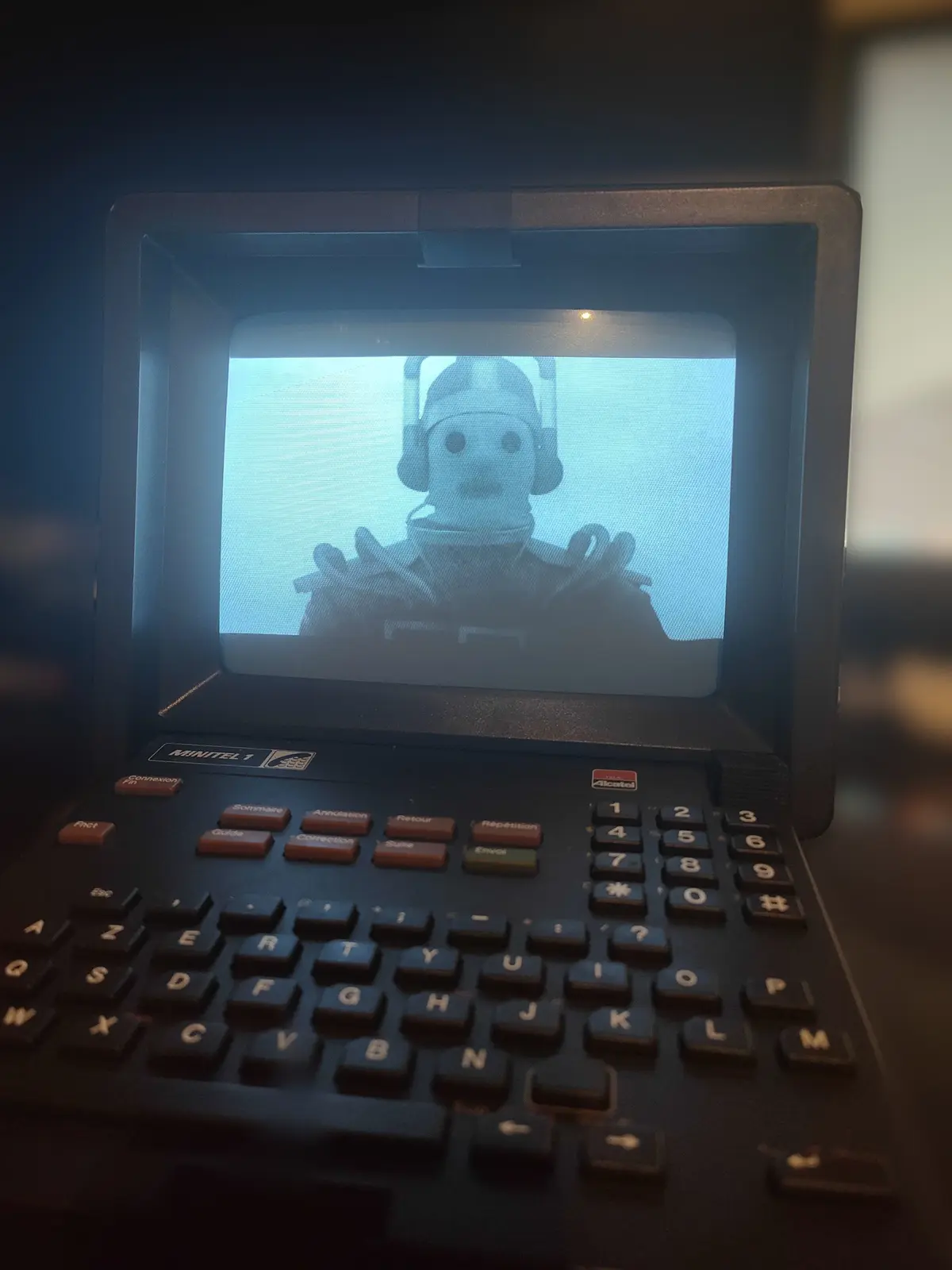
Minitel Display
In December 2024, I modded a Minitel Telic 1 into an HDMI display and USB keyboard. Keyboard The Minitel keyboard is defined by an 8×8 matrix (sadly, it’s a diode-less matrix, meaning ghosting and masking may occur). Using the following matrix: ↑ Correction Annulation ↓ Shift ← → ↲ T E R Y ; - : ? G D F H * 7 4 1 . Esc , ' Suite Retour Envoi Répétition B C V N 8 5 2 Guide Z A Sommaire U I O P Fnct S Q Ctrl J K L M Connexion Fin X W Espace # 9 6 3 So using an RP2040-Zero board, the KMK firmware and some python: 1 2 3 4 5 6 7 8 9 10 11 12 13 14 15 16 17 18 19 20 21 22 23 24 import microcontroller.pin as pin from kmk.kmk_keyboard import KMKKeyboard from kmk.keys import KC from kmk.scanners import DiodeOrientation keyboard = KMKKeyboard() keyboard.col_pins = (pin.GPIO1, pin.GPIO2, pin.GPIO3, pin.GPIO4, pin.GPIO11, pin.GPIO12, pin.GPIO13, pin.GPIO14) keyboard.row_pins = (pin.GPIO0, pin.GPIO5, pin.GPIO6, pin.GPIO7, pin.GPIO8, pin.GPIO9, pin.GPIO10, pin.GPIO15) keyboard.diode_orientation = DiodeOrientation.COL2ROW keyboard.keymap = [[ KC.UP, KC.F24, KC.F23, KC.DOWN, KC.LSHIFT, KC.LEFT, KC.RIGHT, KC.ENTER, KC.T, KC.E, KC.R, KC.Y, KC.M, KC.MINUS, KC.COLON, KC.QUESTION, KC.G, KC.D, KC.F, KC.H, KC.ASTERISK, KC.N7, KC.N4, KC.N1, KC.DOT, KC.ESCAPE, KC.COMMA, KC.QUOTE, KC.F22, KC.F21, KC.F20, KC.F19, KC.B, KC.C, KC.V, KC.N, KC.N0, KC.N8, KC.N5, KC.N2, KC.F18, KC.W, KC.Q, KC.F17, KC.U, KC.I, KC.O, KC.P, KC.RALT, KC.S, KC.A, KC.RCTRL, KC.J, KC.K, KC.L, KC.SCOLON, KC.F17, KC.X, KC.Z, KC.SPACE, KC.HASH, KC.N9, KC.N6, KC.N3 ]] if __name__ == '__main__': keyboard.go() ...
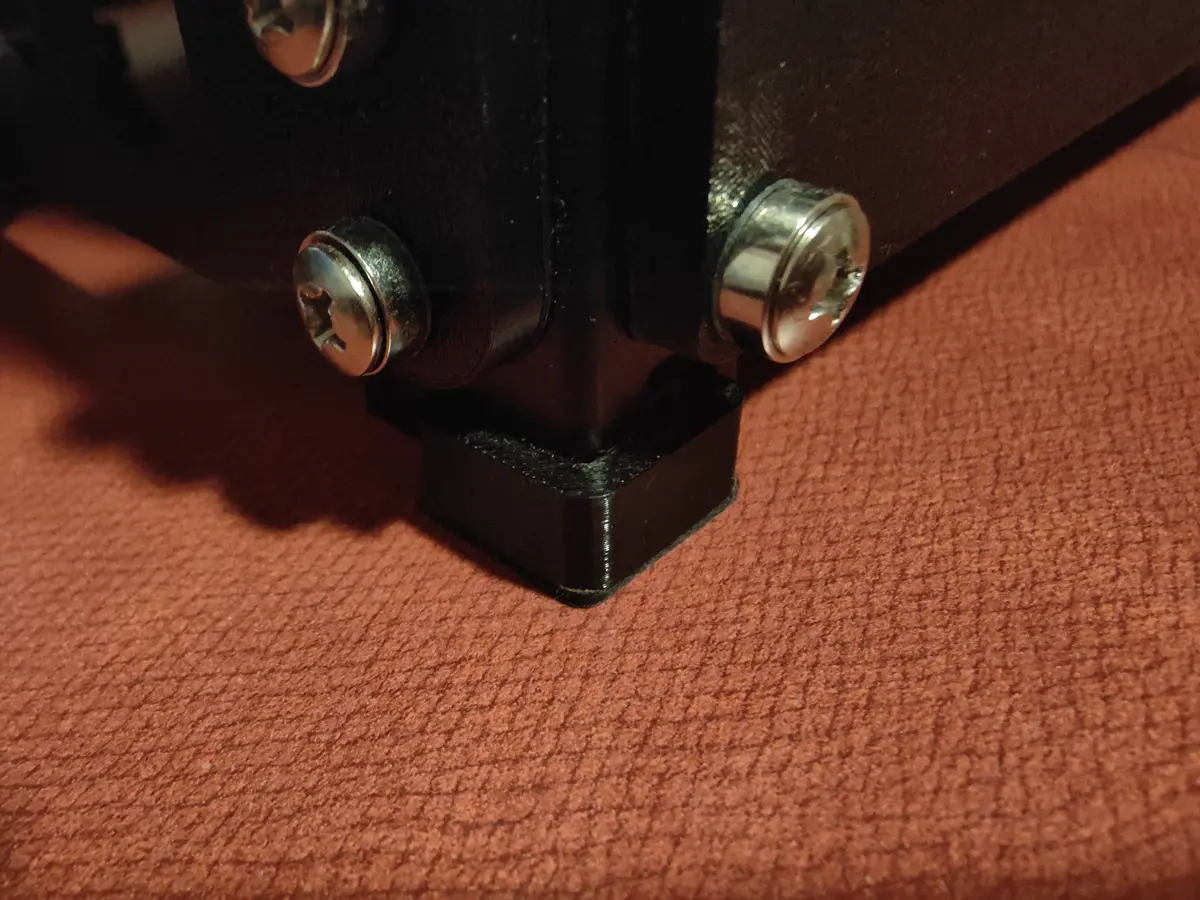
I Forgot the Feet !!!
I forgot to add to the rack feet 3D models to the 24/01/2026 article. So here they are: Download: STL Source: FreeCad
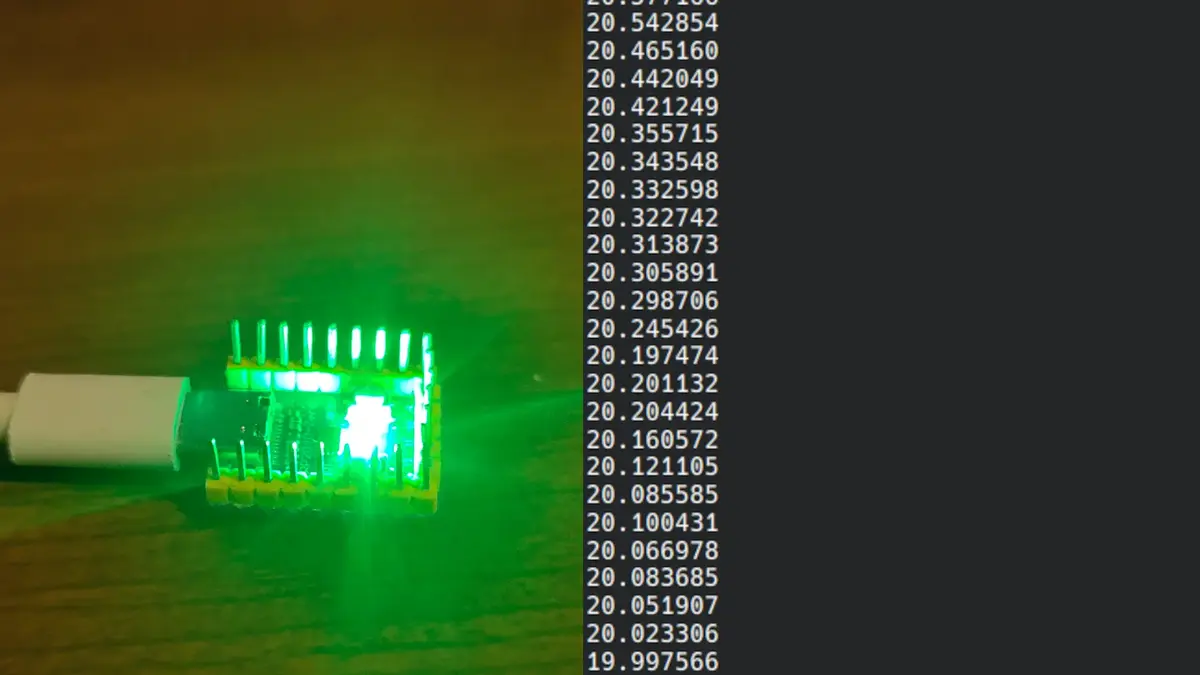
RP2040-Zero Serial Thermometer
With my new addiction, I made the the mistake ??? to install Home Assistant, and wanted a thermometer and didn’t have any temperature sensor. But I remembered that the RP2040-Zeros in my drawer and the fact that they had internal temperature sensor. After a short internet search I found learnembeddedsystems’ blog especially the article titled “RP2040’s On-Board Temperature Sensor”. Code Pico-SDK Installation After opening the Pico-SDK Quick-Start Guide, I realised that their just was a AUR package, so after running yay -S pico-sdk and setting up the build environment i was done. ...
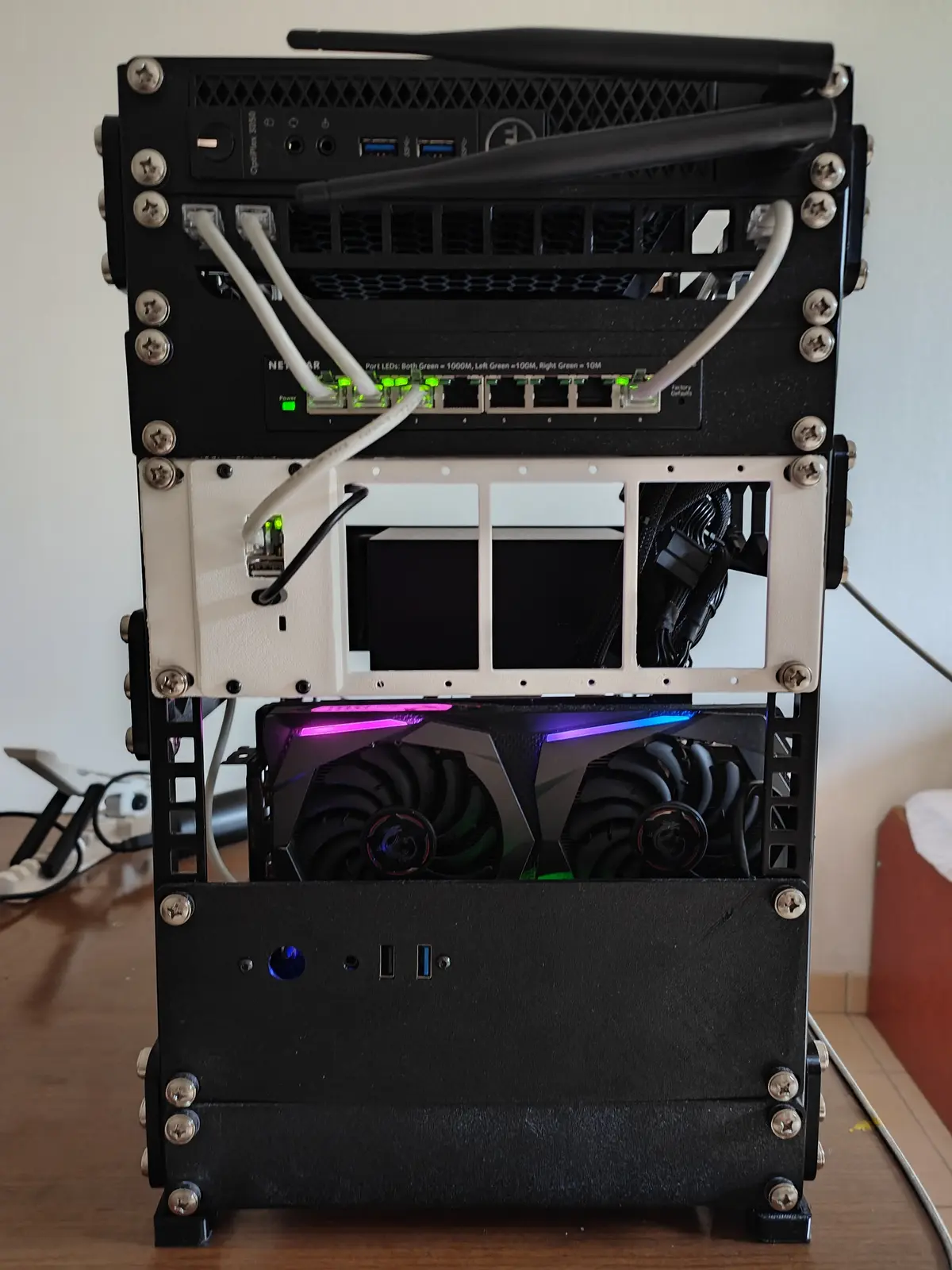
DIY Rack Build
Edit: I’ve added the feet files here I have a new addiction Homelabing, and it caused me to build a Custom Rack, inspired by Symbiiote’s DIY Rack Build I’m not going to explain how to screw bolts into holes but i’m going to give you a list of all the Required Parts (3D Prints and Hardware). Required Parts 3D Prints I’ve printed almost all of the Rack 3D Printed pieces are made out of PETG. ...